Download document () of 20
 Send email
Download
You have exceeded the download limit
Server Rack Buying Guide
Rack quality
When evaluating rack quality, consider frame strength, panel construction, mounting rail adjustability, and overall load ratings. A well‑built rack should support multiple equipment refresh cycles without forcing reconfiguration of the physical environment.
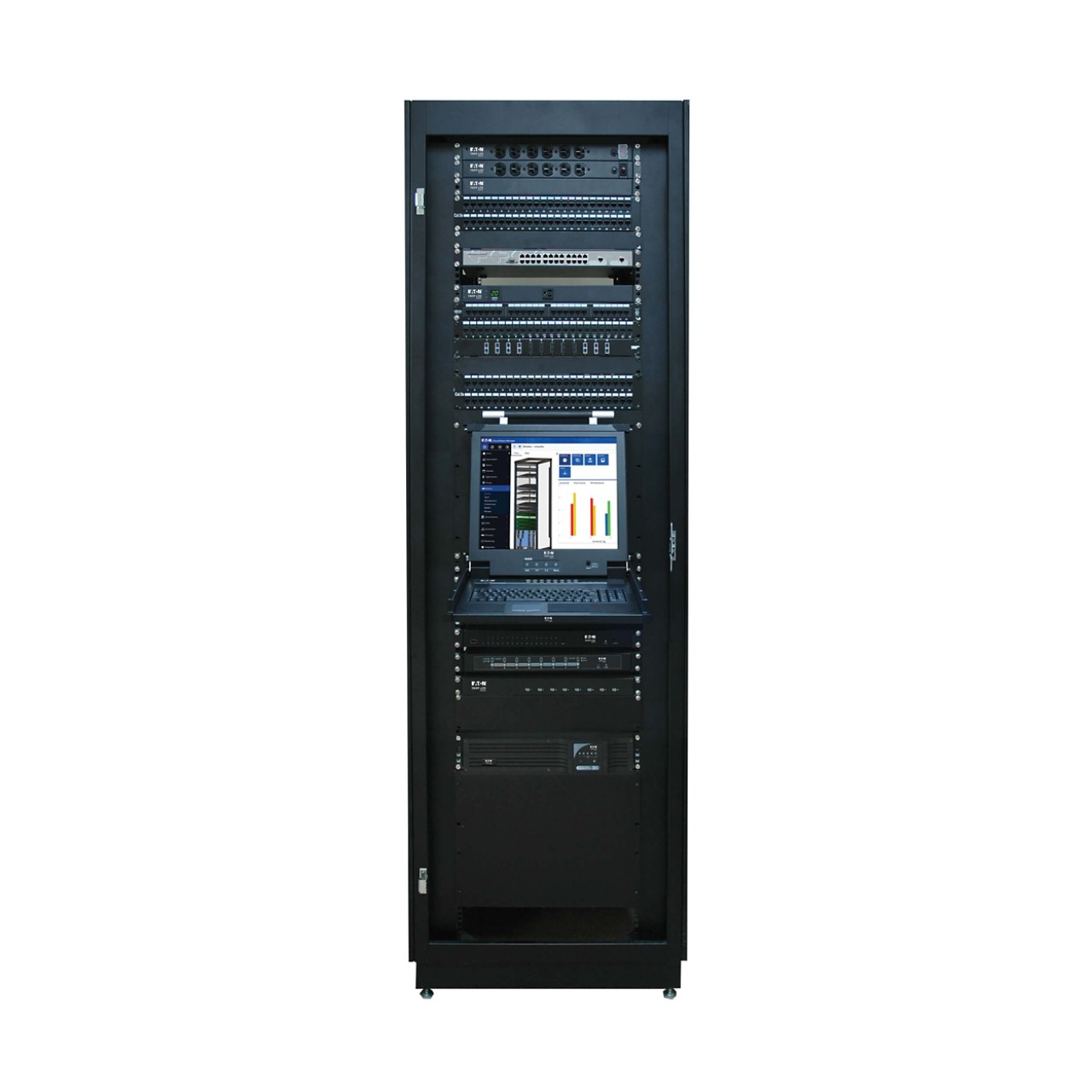
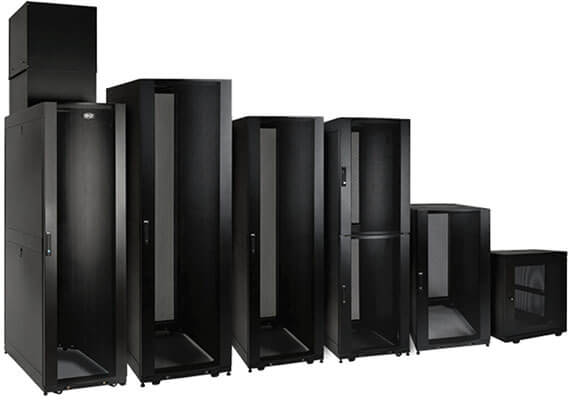
Rack depth: Modern servers, rail kits, power connections and cable bends require more rear clearance than older designs. Deeper racks provide margin for future equipment and help avoid strained cabling that restricts airflow. Choose 1200 mm (47.24 in.) or greater to accommodate modern, deeper equipment.
Rack width: Wider racks create more side space for vertical cable routing and power distribution. This becomes increasingly important in high‑density deployments where cable volume can quickly overwhelm standard widths. Opt for 750 mm when you expect heavy cable volumes (200+ cables).
Rack height: Taller racks increase capacity without expanding footprint, but ceiling height, fire suppression clearance and service access must be confirmed. Planning for the maximum allowable height reduces the need for additional racks later. Go as tall as fire codes allow (often 42U–48U).
Cable management should be planned as part of rack selection, not added as an afterthought. Integrated vertical cable managers, rear cable pathways and stress‑relief features help preserve airflow and reduce service complexity.
Internal layout decisions should consider how power and data cables enter the rack, how they are routed vertically and how they exit to overhead or underfloor pathways. Poor layout choices can limit cooling effectiveness and make routine maintenance unnecessarily difficult.
Consider the following when it comes to cable management:
4‑post racks
Four‑post racks provide front and rear mounting rails, making them suitable for servers, UPS systems and deep equipment. They are generally the best choice for professional installations where flexibility, load capacity and future expansion matter.
Full-featured + Heavy duty
2‑post racks
Two‑post racks are commonly used for lightweight network equipment and patch panels. They require secure anchoring and are not well suited for heavy or deep devices that need rear support.
Economical + Light duty
Wall‑mount enclosures
Wall‑mounted racks are designed for environments where floor space is limited. They are commonly used at edge locations, branch offices and retail or classroom settings. Load rating, wall structure and rear access all need to be carefully considered when selecting this option.
Space-saving + Secure for edge
| Open-frame server racks | Enclosed server racks |
| Open‑frame racks offer easy access and unrestricted airflow, making them suitable for secure rooms with controlled access. They provide flexibility but do not protect equipment from dust or accidental contact. | Enclosed racks add physical security and help manage airflow patterns. They are often preferred in shared spaces, remote locations, or environments where access must be restricted. Door and panel design still plays a major role in cooling effectiveness. |
|
|
Uninterruptible power supplies are among the heaviest devices installed in a rack. Load capacity, rail support and mounting position should be evaluated early. Bottom mounting improves stability and reduces the strain placed on mounting hardware.
Battery technology also affects rack planning. Lithium‑ion UPS systems reduce weight and require less frequent replacement, which can be especially valuable in distributed or hard‑to‑service locations.
Consider UPS selection based on:
Battery type: Lithium-ion UPS options reduce weight and extend lifespan — especially important in distributed IT environments.
Maintenance & access: Ensure enough clearance for replacing batteries or servicing UPS units inside the rack.
Rack PDUs influence cable routing, service access and available rack space. Vertical PDUs free up mounting units and are commonly used in deeper racks, while horizontal PDUs can be useful in shallow or wall‑mounted enclosures.
Ensure the rack provides adequate space and mounting options for PDUs so outlets remain accessible as equipment is added or replaced. Poor PDU placement can complicate maintenance and force costly rework later.
Cooling performance is tied closely to rack design.
Today’s rapid technology refresh rates result in ever-increasing changes within racks and enclosures. This can lead to open U-space that allows re-circulation of hot exhaust air to the equipment inlet, particularly in an environment where enclosures are being used. Blanking panels provide a quick, easy and cost-effective solution to optimize air circulation within an enclosure while also maintaining a clean, uniform look within a row of enclosures.
Physical security is a core design consideration, especially in distributed IT environments. Lockable doors, removable side panels and tamper monitoring help protect equipment from unauthorized access.
In locations without permanent staff presence, physical security can be just as critical as network security. The rack often serves as the first and last layer of defense for IT infrastructure.
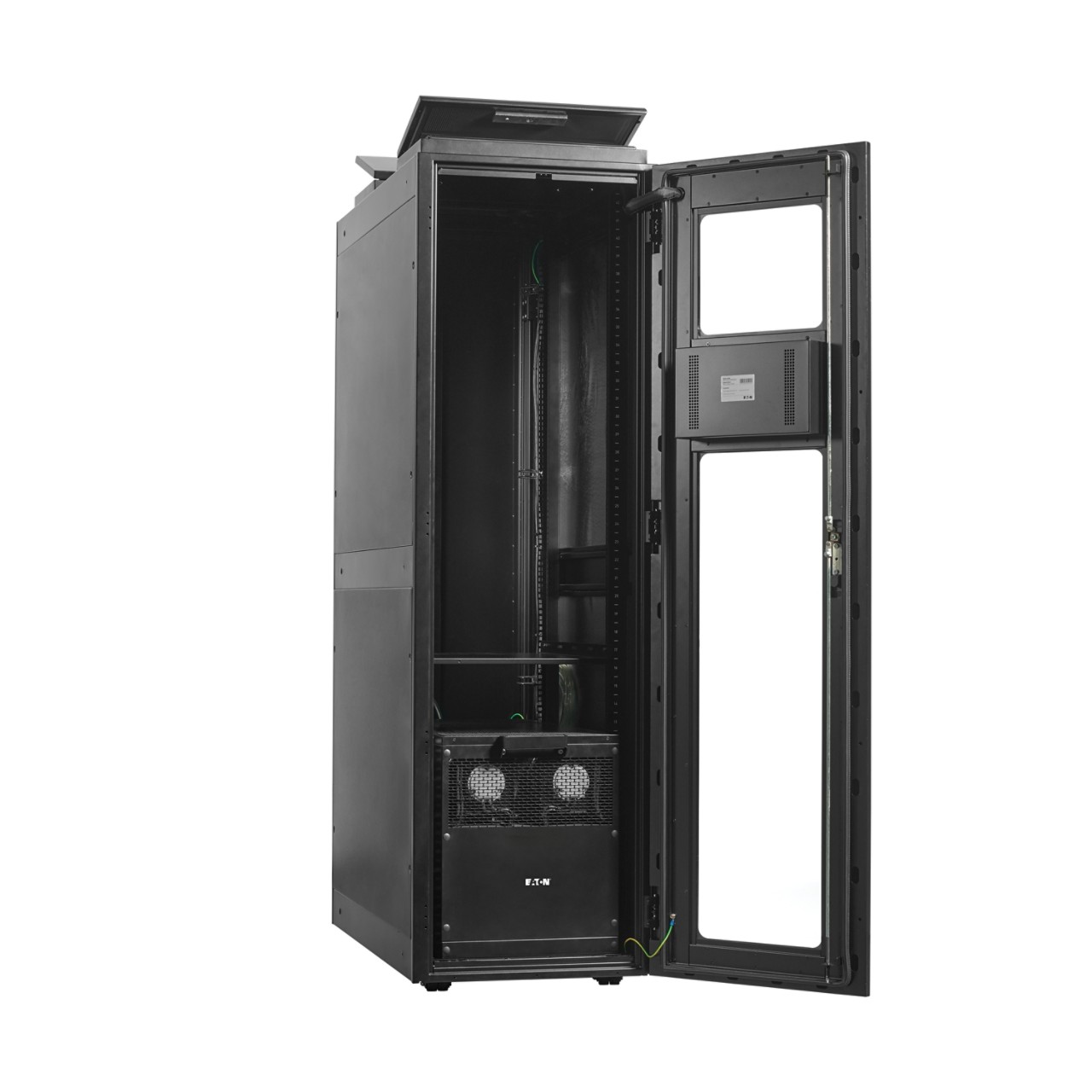
We know you have many brands to choose from. On the surface, they may all seem alike. It's what you don't see that makes the difference. With Eaton, you get solid engineering, proven reliability and exceptional customer service. All our products undergo rigorous quality control before they are offered for sale, and independent testing agencies verify our products meet or exceed the latest safety and performance standards. Our commitment to quality allows us to back our products with industry-leading warranties and responsive customer service. It's the Eaton difference.

 MyEatonFAQs


